ID: I202601171109
Status: idea
Tags: OBS Studio, Recording, Linux, Clipping
OBS clipping
If you open the settings, go to Output, click on the tab Replay Buffer, you are able to change the settings / enable and disable clipping.
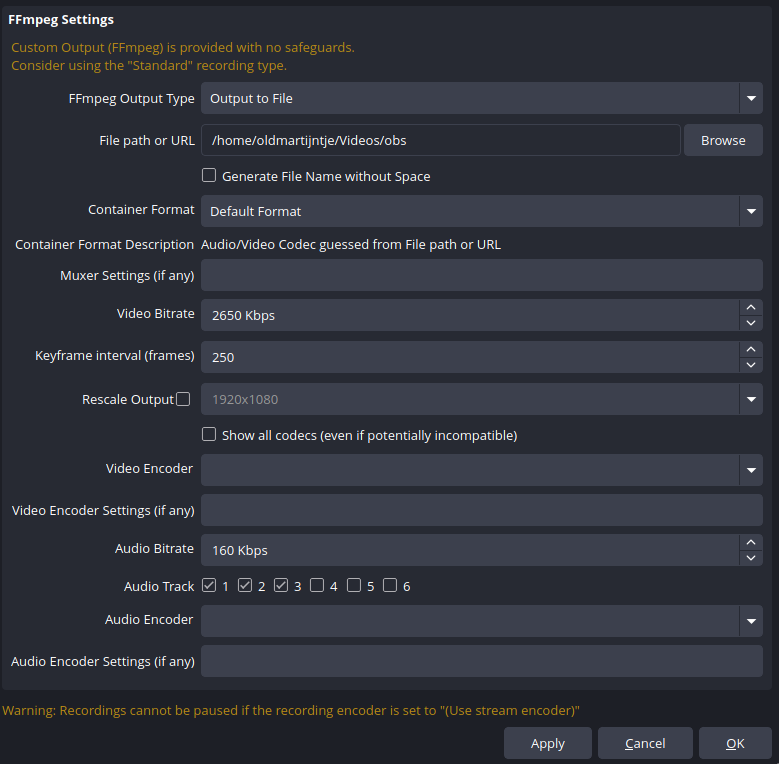
It is important to know that if you have a custom recording setup, like I do. That clipping won’t be enabled.
Then, make sure to set a hotkey, settings → Hotkeys. I personally have Start Replay Buffer on F8, and Save replay buffer on shift + F8, because I cannot just use F8 since it will not work well when playing Hytale because of their f8 keybind.
Then, select a scene and add scene elements of things you want to clip.
References
I was trying to figure this out for PeepoCraft.